EN



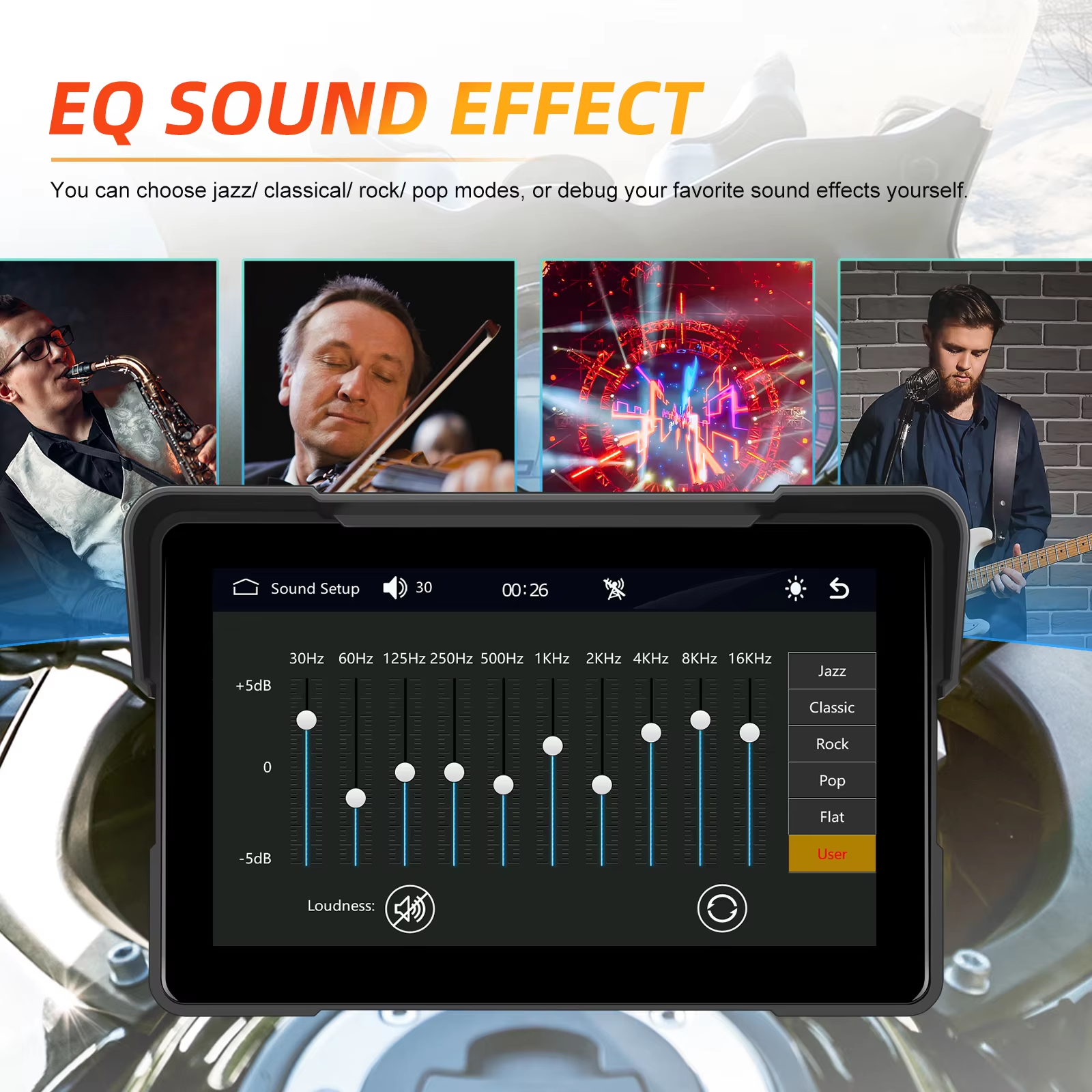
Android carplay is a common search term for connecting a smartphone to an in-car display, but it can describe more than one setup. In many cases, people mean Android Auto, Google’s driving interface; some product descriptions also use android carplay to refer broadly to screens that support Android Auto and Apple CarPlay. Understanding that distinction matters before choosing equipment. The practical purpose is straightforward: android carplay brings selected phone functions into a format designed for use in a vehicle, helping drivers access directions, calls, and audio with less distraction.
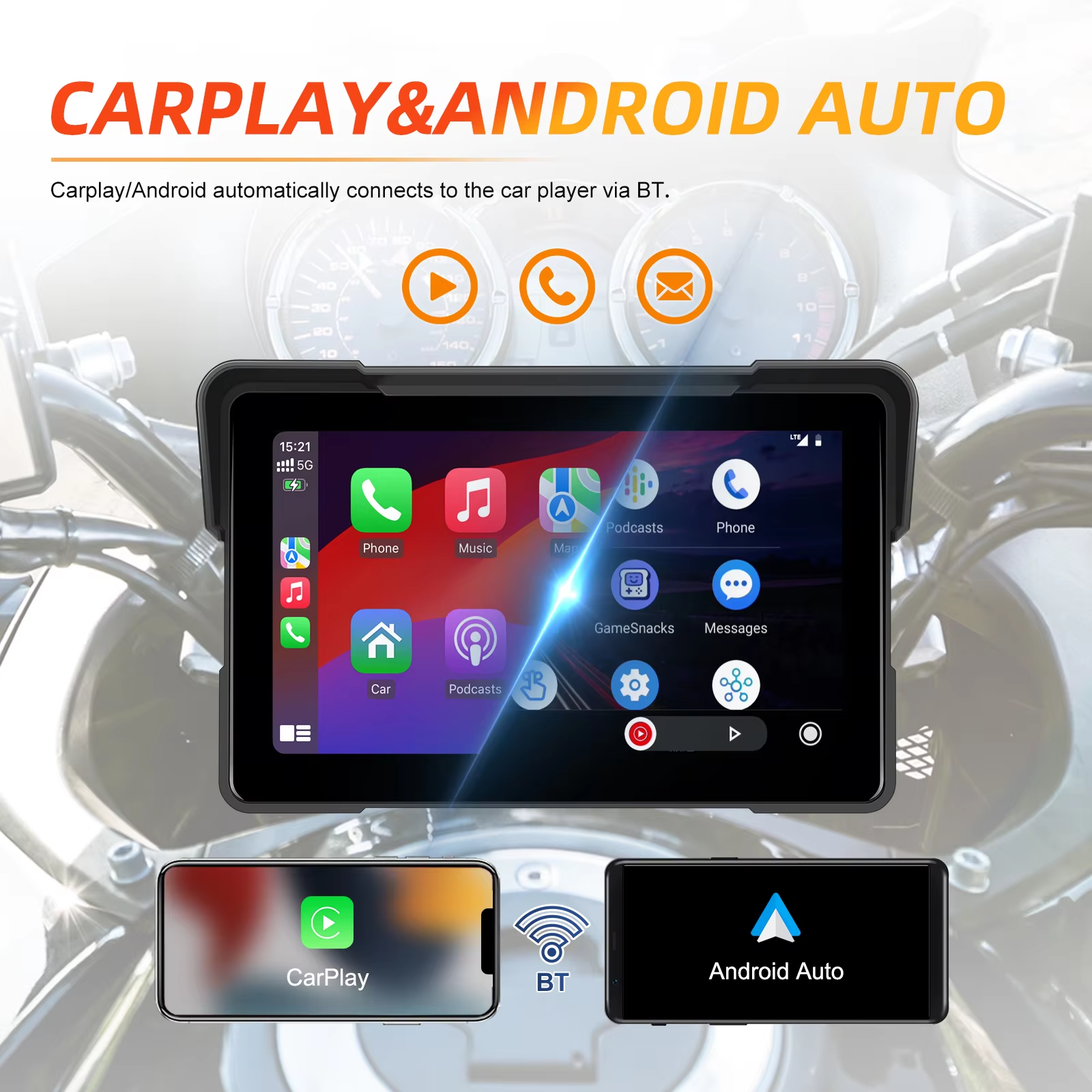
The driving benefit depends on how the system is configured and how it is used. Android carplay does not replace the vehicle’s controls or make every phone app suitable for driving; instead, it gives compatible tasks a clear on-screen route. A driver can use android carplay to follow a mapped route, make a hands-free call, or play selected audio while keeping attention on the road. This guide explains what the term means, how the connection works, and where the setup can make everyday journeys more manageable.
Meaning and Compatibility of Android CarPlay
How the term is used
Android carplay is not the official name of a single Google platform. Android Auto is Google’s interface for compatible Android phones and vehicles or displays, while Apple CarPlay is intended for compatible iPhones. Because product listings may use android carplay as shorthand for one or both systems, buyers should check the stated compatibility instead of relying on the phrase alone. That simple distinction helps prevent confusion about phone support, connection methods, and which interface will appear after setup.
When someone asks whether android carplay will work in a particular vehicle, the useful questions are whether the phone is compatible, whether the head unit supports Android Auto, and whether the connection is wired or wireless. A portable display may provide a separate interface, but it still needs a supported phone and a method to route sound through the vehicle. Android carplay describes the intended experience more than a universal installation standard. Confirming these details before purchase can avoid a mismatch between a phone, display, and vehicle audio system.
What the setup requires
A typical android carplay setup has three parts: a compatible smartphone, a vehicle or display that supports the relevant interface, and a connection between them. Depending on the equipment, that connection may use a cable or wireless pairing. Initial setup generally involves enabling the phone connection, accepting permissions, and selecting the correct audio output. Android carplay features can vary by device and software version, so the available options should be checked in the product documentation and phone settings rather than assumed from the name.
For an older vehicle without an integrated smart display, an external screen can be one way to add android carplay-style access without replacing the factory dashboard. A portable unit may communicate with a phone and send sound through Bluetooth, an auxiliary input, or FM transmission, depending on its design. For example, buyers can review a android carplay display as one possible configuration. Check mounting position, power needs, audio routing, and phone compatibility before installation.
How Android CarPlay Supports Smarter Driving
Navigation with less friction
Navigation is one of the most practical reasons drivers use android carplay. A compatible mapping app can show the route on a larger display and provide spoken directions, reducing the need to handle a phone while moving. Android carplay can also make route changes easier to follow when traffic, a missed turn, or a new destination changes the plan. Drivers should set the destination before departure where possible and rely on voice prompts and safe stopping points when an adjustment requires attention.
The value of android carplay navigation is not that it removes every decision from a trip; it helps present information in a consistent place. A well-positioned screen can make upcoming turns easier to glance at than a phone placed low or out of view. Drivers should still follow road signs, local rules, and changing conditions, since digital directions can be incomplete or delayed. Before a long journey, checking the route, audio level, and screen visibility helps ensure android carplay supports awareness rather than competing with it.
Communication and entertainment
Android carplay can support calls and selected messaging functions through compatible apps and voice controls. This can help a driver communicate without holding a phone, but hands-free access is not a reason to start a complicated conversation in traffic. Notifications should be limited to what is useful, and drivers should avoid reading or composing messages while the vehicle is moving. Used selectively, android carplay makes routine communication more accessible while leaving the driver responsible for maintaining attention and complying with local distracted-driving laws.
Audio is another everyday use: android carplay may provide access to compatible music, podcasts, or navigation prompts through the vehicle’s speakers. Keeping playback controls simple and setting a reasonable volume before driving can reduce unnecessary interaction. Passengers can help choose content or manage a destination, making android carplay more useful on shared trips. The system is most effective when the driver decides in advance which apps and functions are needed, rather than browsing through options once the vehicle is underway.
Practical Setup and Safe Use
Installation and connection checks
A reliable android carplay experience starts with a connection check while parked. Confirm that the phone’s operating system and the display or head unit support the intended interface, then follow the documented pairing steps. If the phone connects but sound does not play through the vehicle, check the selected output and the equipment’s audio-routing method. Android carplay performance can be affected by cable condition, wireless settings, power supply, or placement, so isolate one issue at a time rather than changing several settings together.
Display placement is part of android carplay setup, not merely an aesthetic choice. Secure the screen where it is easy to glance at without blocking the windshield, controls, or required view of the road. Keep cables clear of pedals and moving parts, and verify that a mount remains stable during normal driving. If an external display uses FM transmission or Bluetooth for sound, check for clear audio and workable controls before setting off. A stationary test helps confirm that android carplay is ready for the route.
Limits and good driving habits
Android carplay improves access to selected phone functions, but it cannot guarantee safer driving by itself. The display may have limited app support, a connection may drop, and voice recognition may misunderstand a request. Drivers should know how to return to the vehicle’s normal controls and should stop in a safe place if troubleshooting is necessary. Treat android carplay as a convenience interface, not a substitute for attention, judgment, vehicle maintenance, or the driver’s responsibility to follow traffic rules.
The best android carplay routine is predictable: connect before departure, choose the route and audio, set a comfortable volume, and leave nonessential notifications off. Drivers who share a vehicle should confirm which phone is paired and how to switch users while parked. If a feature demands repeated tapping or visual attention, wait until the vehicle is safely stopped. These habits help android carplay contribute to a calmer cabin while keeping the central task clear: observing the road and responding to conditions.
FAQ
Is Android CarPlay the same as Android Auto?
Not exactly. Android Auto is Google’s official driving interface, while android carplay is often used informally to describe Android Auto support or a display that supports both major phone platforms. Check the device specifications for the exact compatibility.
Can Android CarPlay work in an older vehicle?
It may, if a compatible portable display or aftermarket head unit can connect with the phone and route audio through the vehicle. Android carplay availability depends on the display, phone, power, and audio connections, so verify each requirement before installation.
Does Android CarPlay make driving safer?
Android carplay can make navigation and selected hands-free functions easier to access, but it does not ensure safer driving. Set up features while parked, limit distractions, follow local laws, and keep attention on the road at all times.